Cybersecurity for Growing Businesses: The Audit That Prevents Crises Before You Scale

Introduction: Growth Is the Goal—But at What Cost?
You’re about to launch a marketing campaign, hire your next key employee, or roll out a new feature on your website. Growth is exciting.
But there’s one question that can bring everything to a halt: Are you building your business on a secure foundation?
In the digital world, cybercriminals don’t just target the giants. In fact, small businesses, startups, and independent professionals are often their preferred targets. Why? Because their defenses tend to be more accessible—and they hold a treasure trove of customer data worth protecting.
So, who is this audit for?
- Businesses that want to maintain a continuously active security posture.
- Small businesses and startups preparing to invest in growth.
- Independent professionals and freelancers whose online reputation is their most valuable asset.
- Any organization that has never undergone a professional security audit.
Your "Attack Surface": The Doors and Windows of Your Digital Business
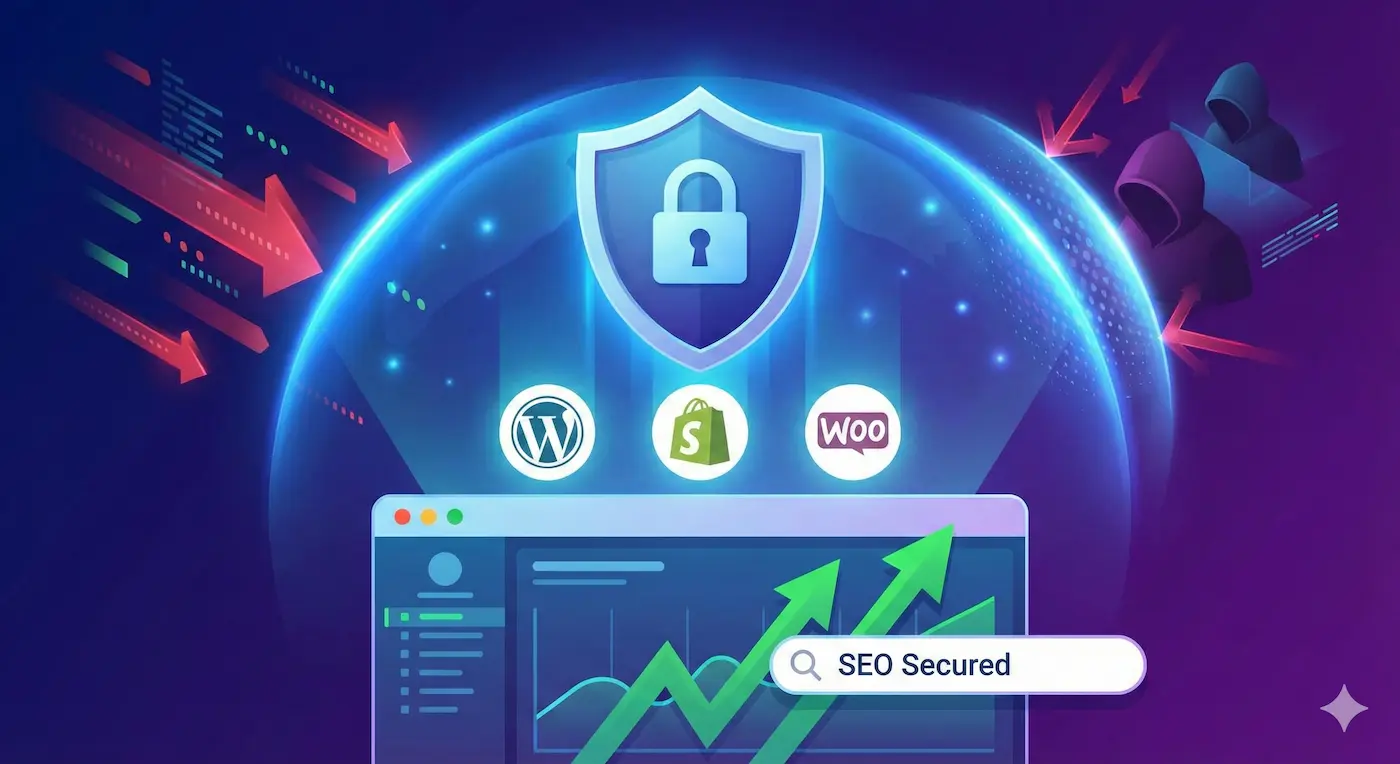
Your online presence—domains, servers, your WordPress version, the plugins you use—is like the front of your office. It has doors and windows that, if left unchecked, may stay wide open. This is what we call your external attack surface.
It’s the first thing an attacker scans. And the most worrying part? Many of those “open windows” are invisible to you—but obvious to them.
The External Exposure Audit: Your First Line of Defense
Think of this audit like a technical check-up before a long road trip. It’s a clear, fast, and affordable scan of your digital security—so you can accelerate with confidence.
What exactly do we check?
Instead of technical jargon, here’s what you get:
- Detection of the 10 Most Critical Coding Errors: We scan your website or app for the most exploited vulnerabilities worldwide (based on the OWASP Top 10 standard).
- Server “Vault” Review: We check your server configuration for obvious flaws that could allow unauthorized access.
- Private Communication Guarantee (SSL/TLS): We verify that your site’s security lock is properly configured to protect the data exchanged with your customers.
- Inventory of Outdated Components: We detect whether you’re using software, plugins, or libraries with known vulnerabilities that urgently need updates.
You’ll receive all of this in a business-friendly report, with prioritized recommendations so you know exactly where to start.
The Real Cost of Ignoring Security
Skipping this audit isn’t a saving—it’s a risky bet. The consequences can include:
- Loss of Reputation: Due to a customer data breach.
- Business Disruption: A ransomware attack can paralyze your operations.
- Financial Penalties: For failing to comply with regulations like GDPR.
- Loss of Trust: From clients, partners, and investors who don’t see security as a priority in your business.
- Damage to Your Business or Personal Brand: A potentially irreversible blow if your portfolio or service website gets hacked.
For example: One of our e-commerce clients discovered a vulnerability in their contact form thanks to this audit. It exposed order data. A fix that took less than an hour prevented a reputation crisis and potential fines.
When Is the Right Time to Do It?
The answer is simple: before your next big move.
- Before launching a new website or app.
- When starting a major digital marketing campaign.
- If you use a CMS like WordPress, Shopify, or PrestaShop and it’s never been reviewed by a security expert.
- If you simply want peace of mind knowing you’ve covered the basics to protect your business.
Conclusion: Invest in Clarity, Not Complexity
Cybersecurity doesn’t have to be a costly, technical maze. It’s an operational necessity—like insurance or keeping your books in order.
This audit is the perfect starting point: a concrete, affordable action that gives you a clear map of your risks.
Do it once. Understand your exposure. And make informed decisions to grow on a solid foundation.
Ready to Take the First Step?
Don’t leave your business security to chance.
Contact us. It’s 100% confidential, no strings attached—and we’ll share a couple of practical tips you can apply today.
Frequently Asked Questions
Why are SMBs attacked by hackers if they're small?
43% of cyberattacks target SMBs because they have known vulnerabilities but less security budget. Hackers use automated bots that scan thousands of companies daily looking for outdated software or weak passwords.
How much does basic cybersecurity cost for an SMB?
Basic security costs €0-100/month: Two-factor authentication (free), team password manager (€30/month for 5 users with Bitwarden), business antivirus (€40/month), automatic backups (€20/month). Much less than the average cost of an attack: €50,000.
What should I do first to protect my business?
Top priority: 1) Enable 2FA on email and critical services (30 minutes), 2) Change weak passwords to unique 12+ character ones (1 hour), 3) Update all software (2 hours), 4) Train employees on phishing (1 session).
How to audit your SMB's cybersecurity in 1 hour
Quick diagnosis of critical vulnerabilities in your business
Audit critical access passwords
Review corporate email, hosting panel, CMS, social media, online banking. Immediately change any weak or reused passwords.
Check software and plugin status
Update WordPress, plugins, CMS, operating systems. 60% of hacks exploit outdated software.
Implement two-factor authentication
Enable 2FA on all critical business services: email, hosting, domain, payment gateways, management tools.
Set up automatic backups
Schedule daily backups of database and files. Store copies in the cloud (Google Drive, Dropbox) and locally.
Train team on phishing
Conduct a 30-minute session showing real examples of malicious emails. 90% of breaches start with phishing.
🛡️ Protect Your Digital Security
Free tools related to "Cybersecurity for Growing Businesses: T…"
Email Breach Checker
Find out if your email was compromised in any data breach